
Claude training for the work your team does.
A practical half-day using the documents, reports and repetitive tasks your team actually works on. Led by Ger Perdisatt, with clear guidance on what information belongs in the tool.
One team · Up to 20 people · On-site in Ireland · Fixed fee agreed before booking
Get a workshop outline and datesSee how the half-day worksAlready using Claude Team or Enterprise?
Explore deeper sessions on skills, artifacts and efficient use, with separate Claude Code training for software teams. The full programme is on AI at Work, Acuity's practical training site.
Explore Claude Team and Enterprise training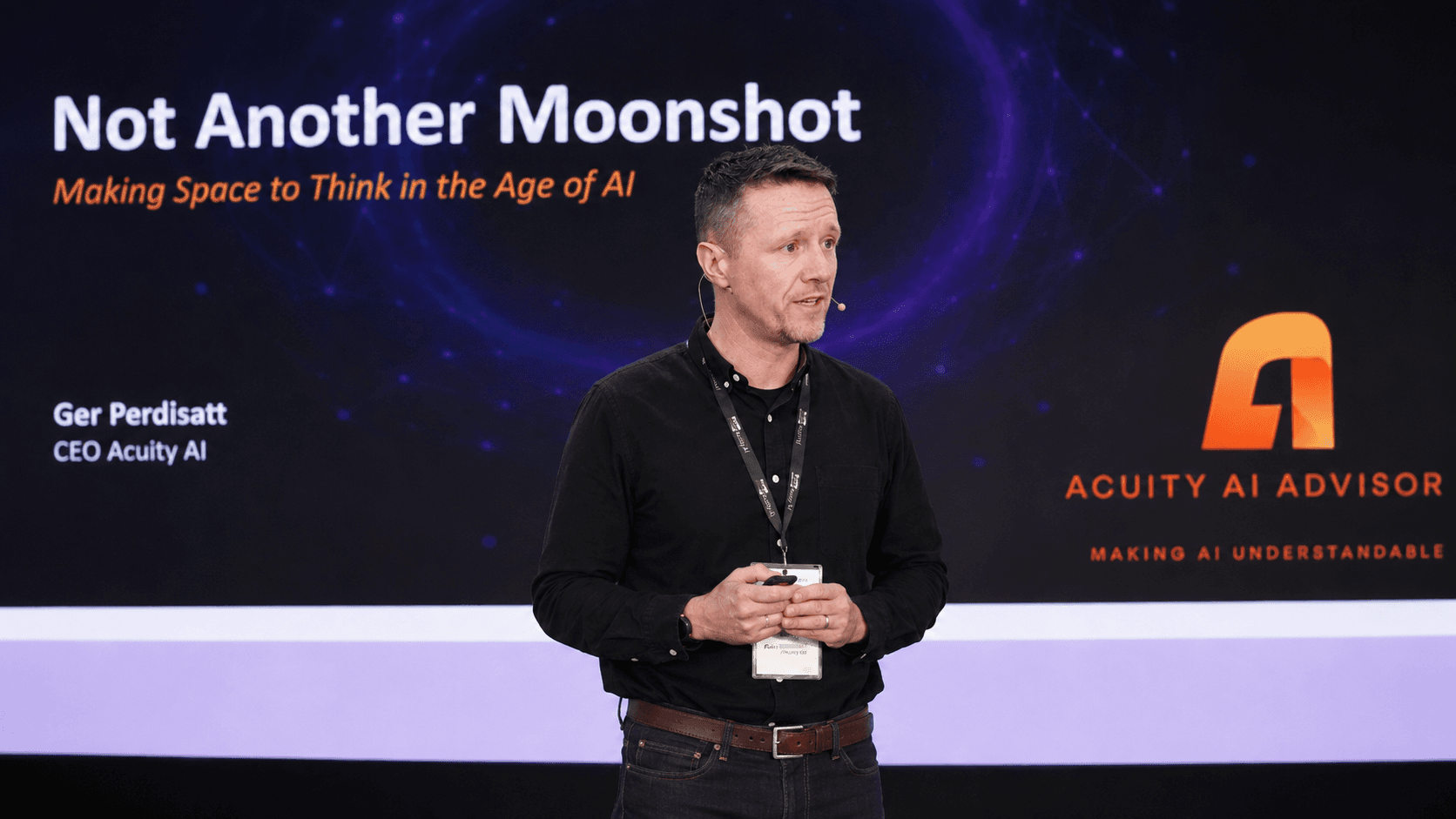
Half a day on the work that matters.
Useful for legal and compliance teams, finance and reporting teams, and people who spend much of the week drafting, reviewing or analysing information.
Each person brings two or three real tasks. Claude access is arranged in advance, and someone in the room can confirm what data the team is allowed to use. If the team will work in Outlook, SharePoint or Teams, the guide to connecting Claude to Microsoft 365 sets out what your IT provider approves first. If your IT provider has been reluctant, Claude for MSPs covers the challenges from their side.
- 1
Map the work
Identify where the team's time goes and choose the tasks worth working on.
- 2
Work through real examples
Practise document review, structured analysis and drafting with the team's own permitted material.
- 3
Set the boundaries
Agree what information can be used, where human review is needed and who makes those decisions.
- 4
Leave with actions
Write down what the team will use next, name an owner and agree how to check progress.
Leave with something to use.
- Task and prompt patterns worked through in the room.
- Clear boundaries for data use and human review.
- Written adoption actions with a named owner for each.
What working on a task looks like
For a document-review task, the team starts with two permitted versions, identifies changes and checks the result against the source. The output is a review the person can verify and improve.
Illustrative exercise. Your team's tasks determine the session.
See Acuity's delivered workGet an outline and dates for your team.
Tell Ger which team, roughly how many people and the work you want to improve. You will hear back within one working day to agree the scope, fee and suitable dates.
The workshop stands on its own. If a wider rollout or a specific build makes sense afterwards, we scope that separately.
Read the workshop outline firstBefore you book
How long is the workshop?
The starting format is a half-day on-site session for one team of up to 20 people. The scope and preparation are agreed before booking.
What does it cost?
A fixed price per team session, agreed before it is booked, rather than a per-person rate. Tell us the team size, the work involved and your preferred dates so we can scope it.
Do participants need Claude accounts?
Yes. Team seats or a suitable trial should be arranged before the session. We agree the access needed and the team's data-use boundaries during preparation.
Can we use our own documents?
Yes, where your organisation permits it. Each participant brings two or three tasks. Use redacted or sample material where necessary; do not send confidential client files in the enquiry form.
What happens after the workshop?
The team leaves with written adoption actions and an owner for each. A wider rollout, workflow build or governance engagement can be scoped separately if there is a useful next step.
What if Copilot is a better fit?
We discuss the work before recommending the session. Acuity has no commercial tie to Anthropic or Microsoft, so the recommendation follows the task and your organisation's requirements.
Considering a broader programme? Explore AI training for organisations or our Claude and Copilot comparison.